Green adds material to the body it touches.
NewModel parameters and sketch text are here →
Parametric CAD. In your browser.
Sketch, constrain and build 3D parts with a feature history you can always step back into. Change one number and the whole part follows.
Browser · Windows / macOS / Linux desktop coming
bracket.cad — Takumion
Sketch
Constrain
RevolveLoftSweep
CreateChamferShell
ModifyBrowser
- Origin
- Sketches
- Sketch1
- Bodies
- Features
Sketch1 · 2 profiles
SKETCH PALETTE
TimelineClick Extrude1 to edit it again
The full editor demo needs a wider screen. Drag to change the part.
How a part is made
Every part is a recipe you can edit.
Takumion keeps the steps, not just the shape. That is why you can change your mind later.
- 01 / SketchConstrain your sketch.Lines, arcs, splines and text on a plane. Each closed loop becomes a profile; a loop inside a loop is a hole.
- 02 / BuildBuild a solid.Extrude, revolve, sweep or loft a profile. Each feature saves its inputs.
- 03 / RefineEdit earlier features.Fillet, shell, draft. Step back in the timeline and everything after rebuilds.
- 04 / ExchangeImport and export files.STEP, IGES, DXF and SVG in. STEP, STL, 3MF and more out.
Parameters
Change a dimension. Rebuild the model.
Name the numbers that matter and drive every feature from them. Try it: move a slider.
Rebuilt Sketch1 → Extrude1 → Fillet1
In the viewport
See the result before you press OK.
Every feature previews in the colour of what it will do. Hover anything and it tells you what it is.
Face 3Planar face160 × 100 mm
Pick what you want to select. The chip names it and measures it before you click; Shift adds, Esc clears.
Make it yours
Five accent themes, light and dark.
ExtrudeFilletShellSketch1 · editing
Coming · Tablet and phone
Model on a tablet.
A layout made for touch, for your left or right hand. The pen draws, fingers move the view.
- Long-press for a radial menu of likely next commands
- Two-finger tap undoes, three-finger tap redoes
- Type values on a number pad
- Swipe in from the edge for the Browser
On the roadmap · AI & MCP
Model with an AI agent.
Connect an assistant through MCP and it works the same app API you do. Every step lands in your timeline where you can edit it.
BuildInspectReviseExport
AI is optional. Takumion works fully without an assistant.
See the AI plansAdd four M3 mounting holes, 6 mm in from each corner.
- sketches.create({ face: top })
- sketch.circle() × 4, ⌀3.4
- features.extrude({ operation: cut, extent: all })
Done: four through holes in a new Extrude2. Change the inset from the timeline.
Proof
Made with Takumion.
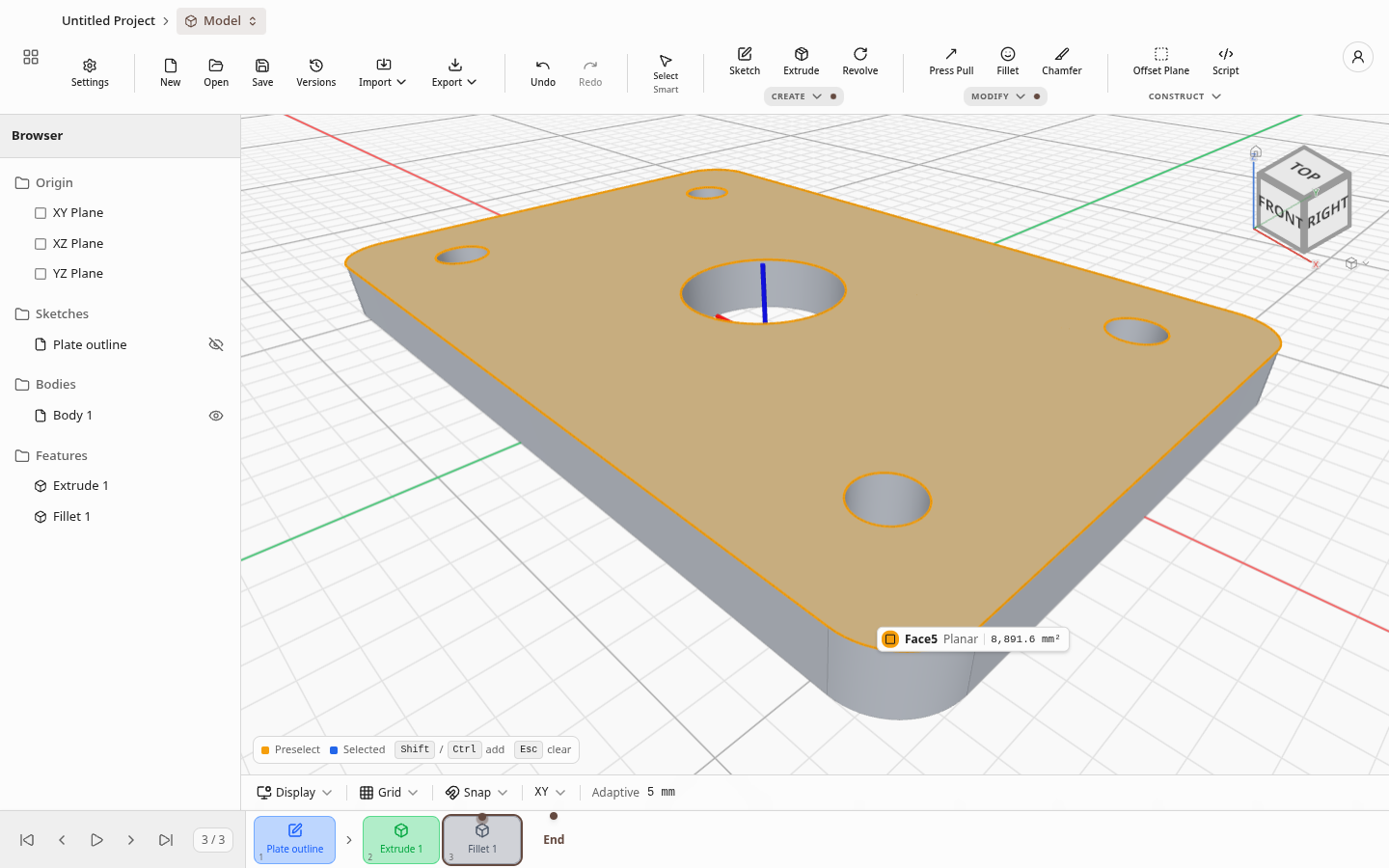
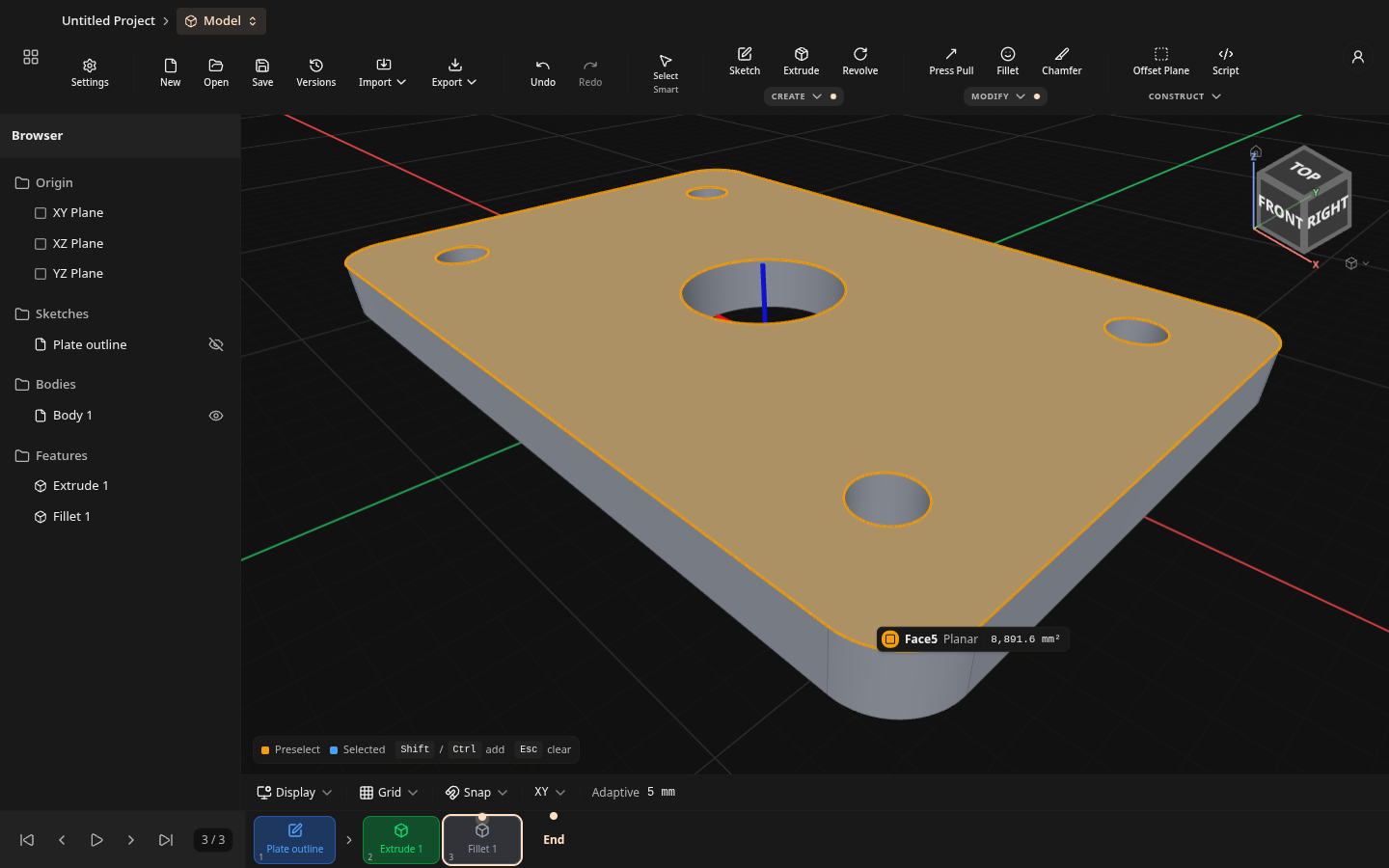
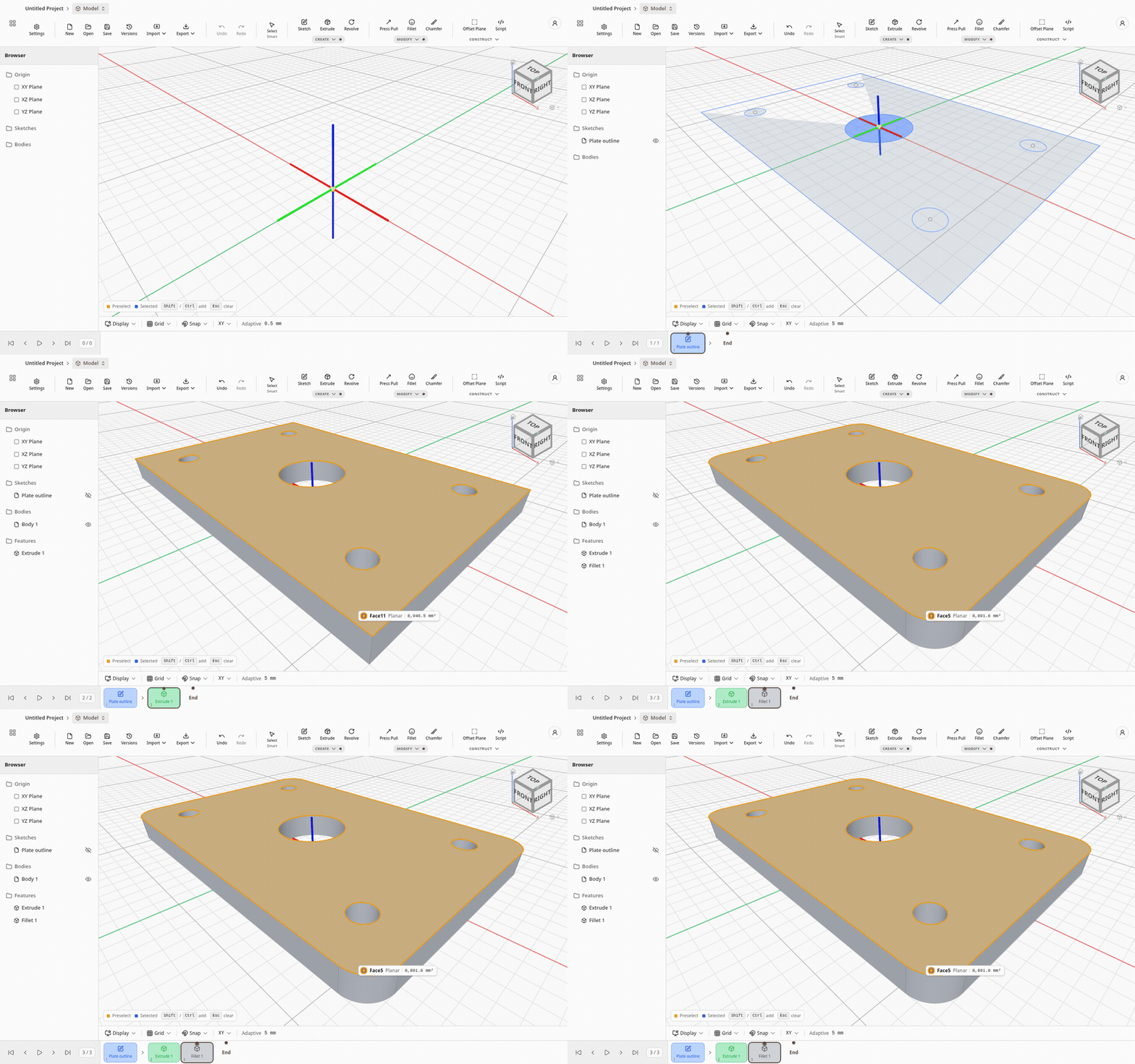
From a sketch to a solid
Sketch, extrude, fillet. Recorded in the editor.
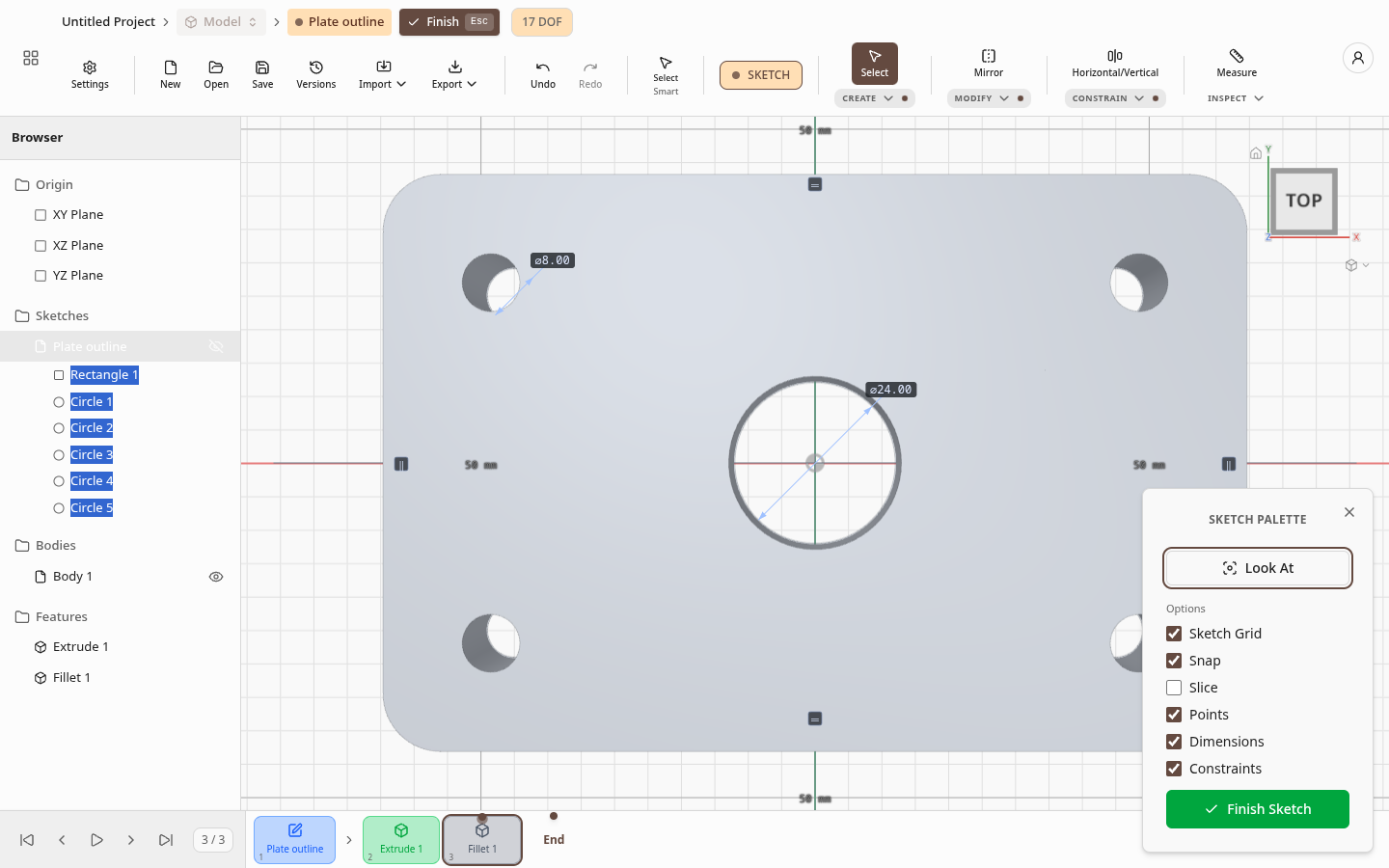
Sketch mode
Dimensions on the curves and a live count of what can still move.
The engine
Real B-rep geometry, in a browser tab.
Takumion runs the Open CASCADE kernel compiled to WebAssembly, so a fillet is an exact surface, not a mesh trick. The desktop app will run the same model on a native build for heavier parts. Your files stay on your machine.
Recently shipped
New in Takumion
- Model parameters and expressions
- Text in sketches
- More sweep and loft options
- Insert another part into a design
Open a blank part. It takes a second.
No download and no licence server. Free needs only an account.